Blog
Cedric for SEO: the weekly check I stopped doing by hand
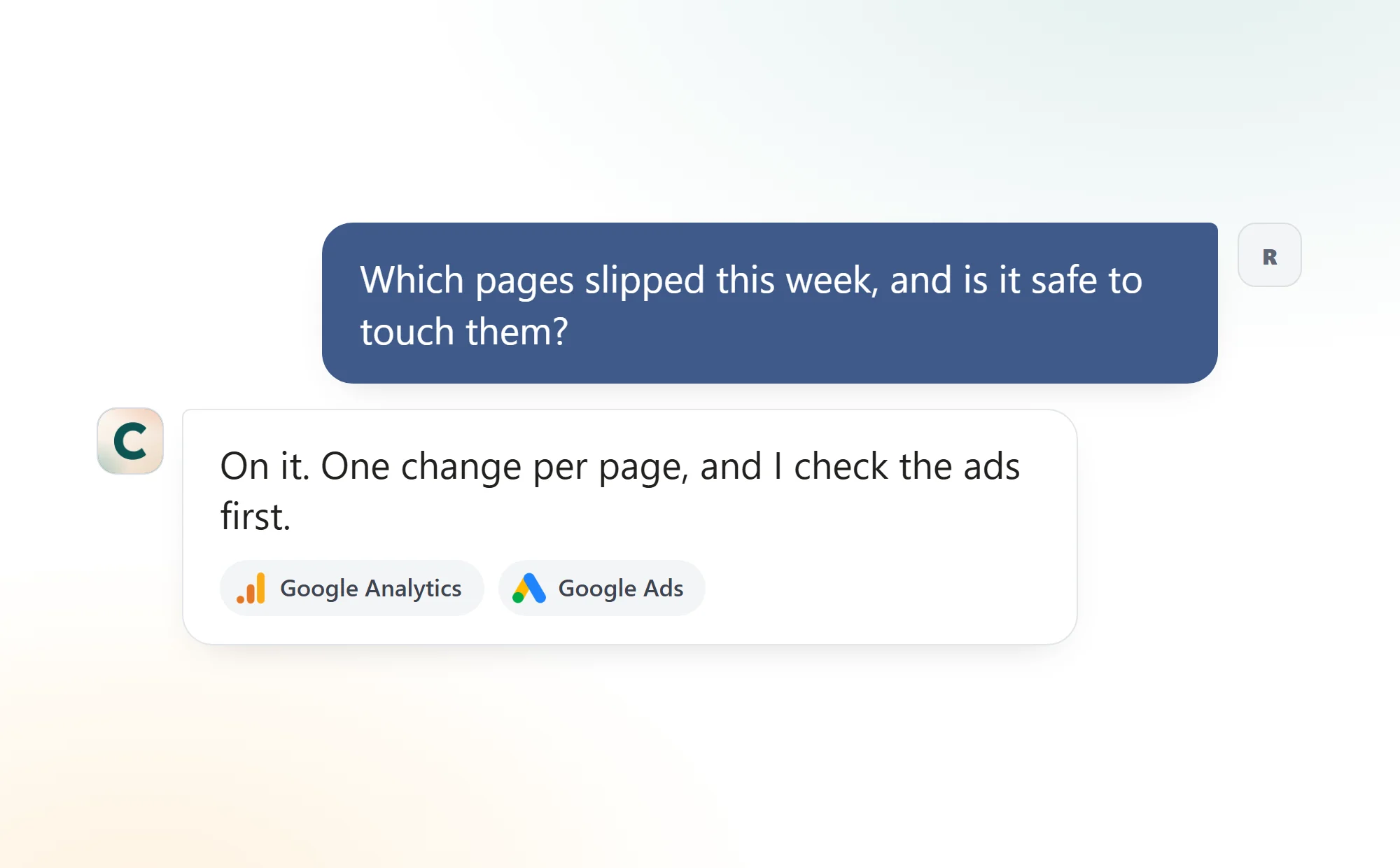
One Monday message: Cedric reads Google Analytics, names the pages that slipped, drafts the fix, and checks Google Ads before touching a page that still converts.


 Ruby Chen
The SEO check is the chore I kept promising myself I would do every Monday. Open Google Analytics, compare the week to the week before, write down which pages lost sessions. Open those pages and guess why. Then open Google Ads and make sure none of them is a landing page we pay for. Four tabs, forty minutes, and most weeks I skipped it.
The slow part was never one tool. The question I care about, which pages are slipping and is it safe to touch them, needs three tools open at once. So I handed it to Cedric.
The Monday, before and after
Which pages slipped
By handFour tabs, forty minutes
With CedricOne message
Why they slipped
By handOpen each page and guess
With CedricOne change per page, written
Is it safe to touch
By handCheck Google Ads, if I remember
With CedricChecked before he answers
Next Monday
By handStart over
With CedricIt lands in the chat at 8
What comes back
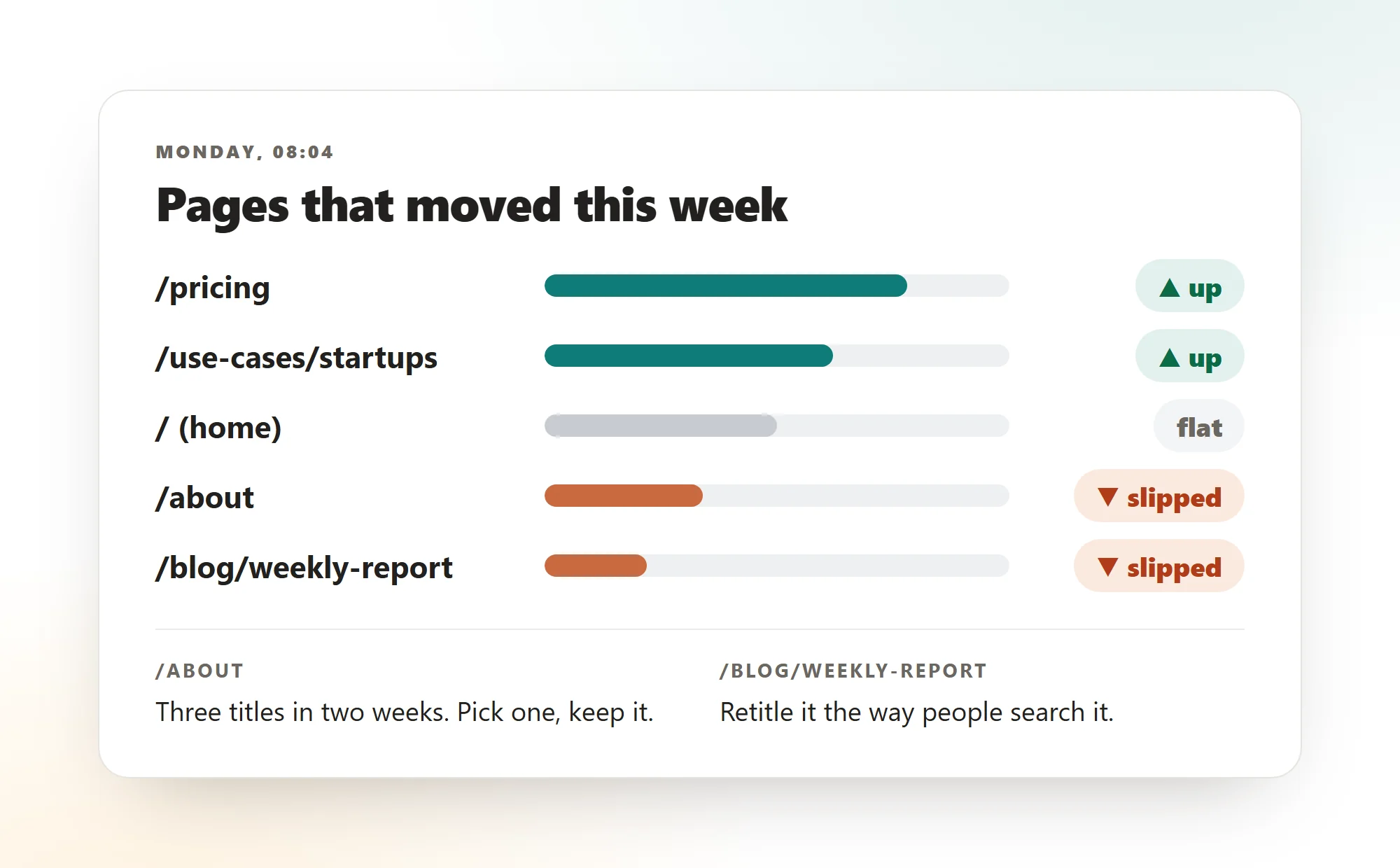
A short list of pages that moved, up or down, and for each one that slipped, the one change he would make. Not a dashboard. The thing I would have written down myself, already written.
The first time, his opening line was a caution, not a cheer. A jump in sessions turned out to be a tracking gap, visits with no landing page recorded, and he said so before I could put it on a slide. The page that had slipped the most had carried three different titles in two weeks. The fix was to pick one and leave it alone.
The second source
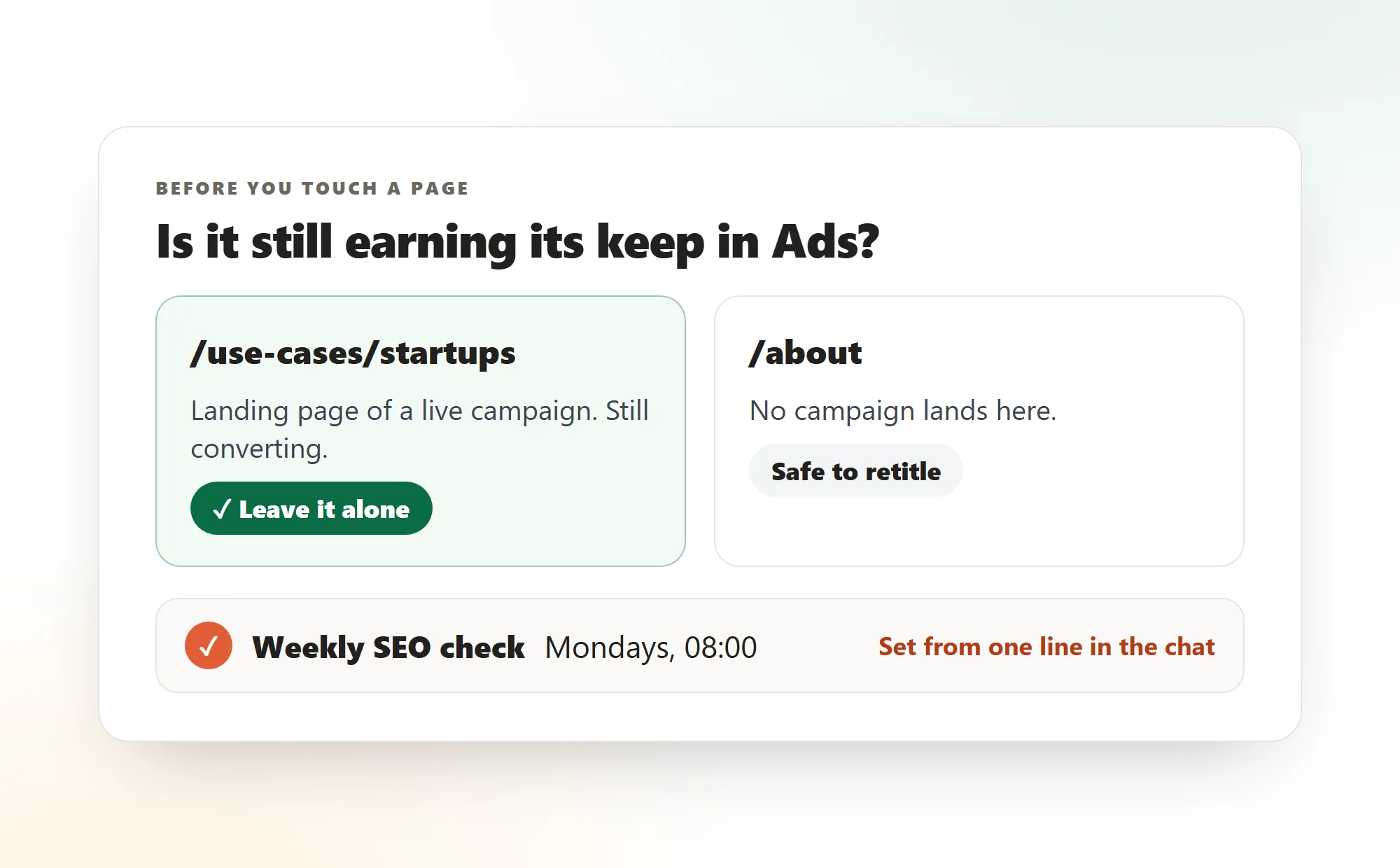
This is the part that makes a recommendation safe to act on. In the same message he checks Google Ads: is any slipped page the landing page of a campaign that still converts? If it is, the answer is to leave it alone, whatever the organic line says.
It is the same lesson as the negative-keyword story from my Google Ads post. A number that looks bad in one tool is often a page doing its job in another.
Run your own
Three steps, once.
- 01
Connect Google Analytics and Google Ads
From the dashboard's integrations page. Read-only is enough. He reports and drafts, he does not edit a campaign.
- 02
Ask the question once, in full
The two weeks to compare, what to list, what to say about each slipped page, and the cross-check.
- 03
Make it a schedule
"Do this every Monday at 8." It then lands in the chat before you do. Pause or change it in one line.
FAQ
This kind, yes. Cedric reads the connected Google Analytics and Google Ads accounts, compares two periods, names the pages that moved and writes a change for each. What to publish stays your call.
No. He reports and drafts the change. Editing a title or a campaign is yours to do, and with a read-only connection he could not do it anyway.
Because a page that lost organic sessions can still be the landing page of a campaign that converts. Retitle it and you can break something that was working.
Yes. Say "every Monday at 8" in the chat. The reply lands in the same chat each week. Pause or cancel it in one line.
Hand him your Monday check
Connect Google Analytics and Google Ads, ask once, and read the reply on Monday.
100K credits ($50) on sign up. No card needed.