Blog
The best AI scheduling assistants
Calendly, Reclaim, Motion, Cal.com, SavvyCal and Cedric side by side, with what happened to Clockwise: what each schedules, what it costs, who should pick it.
 Benjamin Ben Hattar
"Scheduling assistant" means three different jobs, and it is easy to buy a tool built for the wrong one. The first is letting other people book time with you: a link, a booking page, reminders. The second is defending your own week: focus blocks, habits, tasks placed around meetings. The third is the one nobody sells a link for. Four colleagues need an hour together this week, and someone has to find it.
If you are here because Clockwise closed, that part is confirmed. Its own site says the Clockwise team is joining Salesforce and the product stopped being available on March 27, 2026. Its users are now choosing between the tools below.
We make one of them, so read with that in mind. Every fact about the others, prices included, was read on their own sites on September 27, 2026.
- Calendly is still the default for being booked: a free plan, $10 per seat a month on yearly billing, and an AI assistant that schedules over email as an add-on.
- Reclaim is the pick for defending your own week, and the natural next home for Clockwise's focus-time users. Free plan, then $10 per seat.
- Motion plans tasks and meetings into one calendar and moves them when the day changes. From $19 per seat on a team plan.
- Cal.com is the open-source booking page you can host yourself, with a free plan for one user. SavvyCal is the most pleasant link to receive.
- Cedric schedules inside the team's work: ask in Slack, Discord or Telegram, he reads the calendars, proposes the slot and books it on your yes. From $19 a month for the whole team.

Calendly
The booking link most people already know how to use. calendly.com
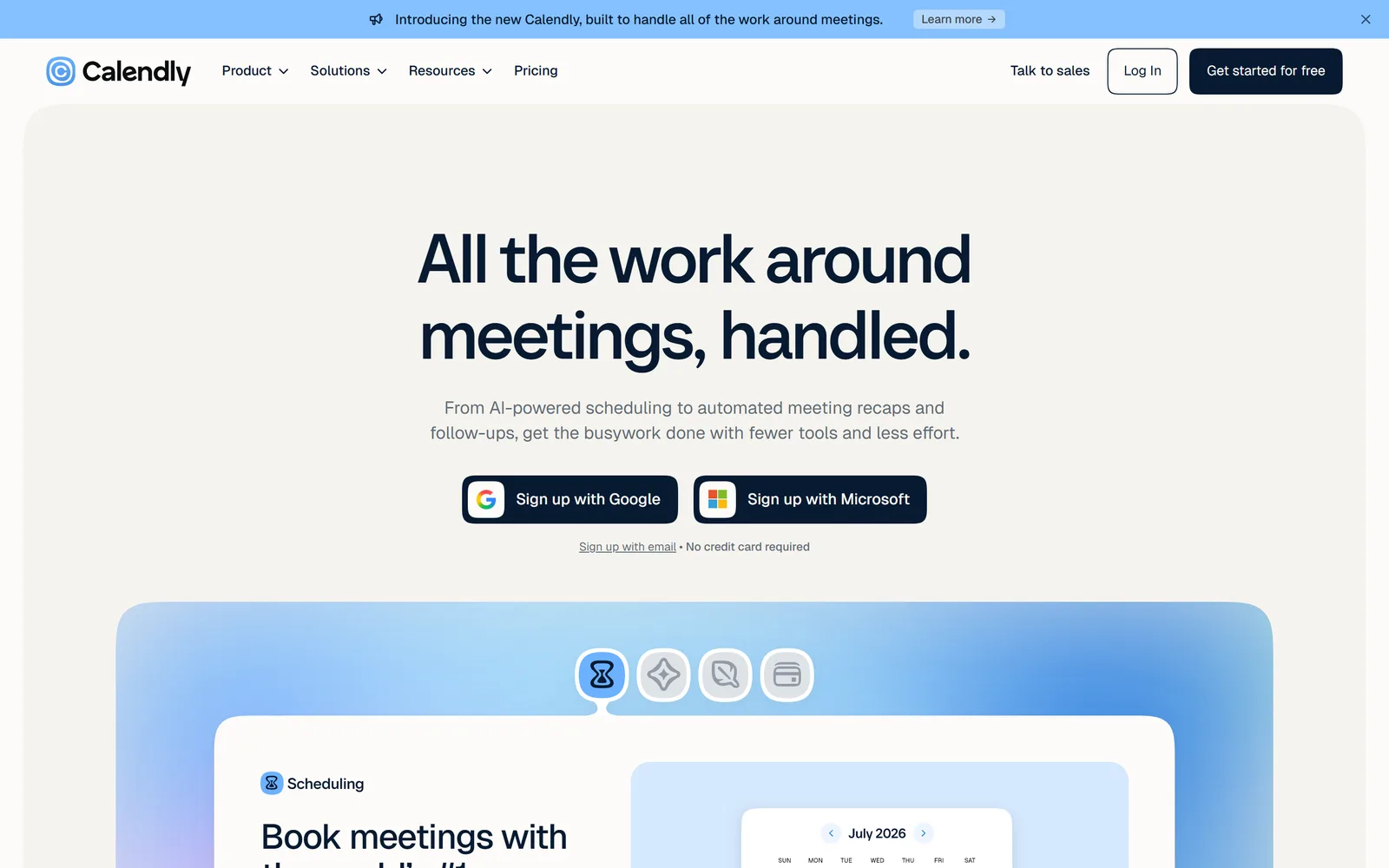
Calendly is the tool the other side has already used, which counts for more than it sounds. You set your hours and meeting types, share a link, and people pick a slot. Invitees never need an account or a seat. Standard adds unlimited meeting types, several calendars, reminders, and payments through Stripe or PayPal. Teams adds round-robin, routing forms that qualify a lead before it books, and Salesforce.
Its AI arrives as two add-ons on Standard and Teams. Callie, in beta, is "an AI assistant that schedules over email": add it to a thread and it coordinates the time. Notetaker joins Zoom, Google Meet and Microsoft Teams and writes the recap. Both work in English only for now.
Pros
- The link everyone recognises. Invitees need nothing.
- A free plan that covers one-on-one booking.
- Routing forms and round-robin for sales teams.
- Payments at booking.
Cons
- Per seat: $10 on Standard, $16 on Teams, yearly. Enterprise starts at $15,000 a year.
- The free plan allows one meeting type and one calendar.
- Callie is a beta add-on, in English only.
Free plan; Standard $10 and Teams $16 per seat per month billed yearly ($12 and $20 monthly).
Checked on the tool's own site, September 27, 2026.

Reclaim
An AI calendar that defends your focus time, now part of Dropbox. reclaim.ai
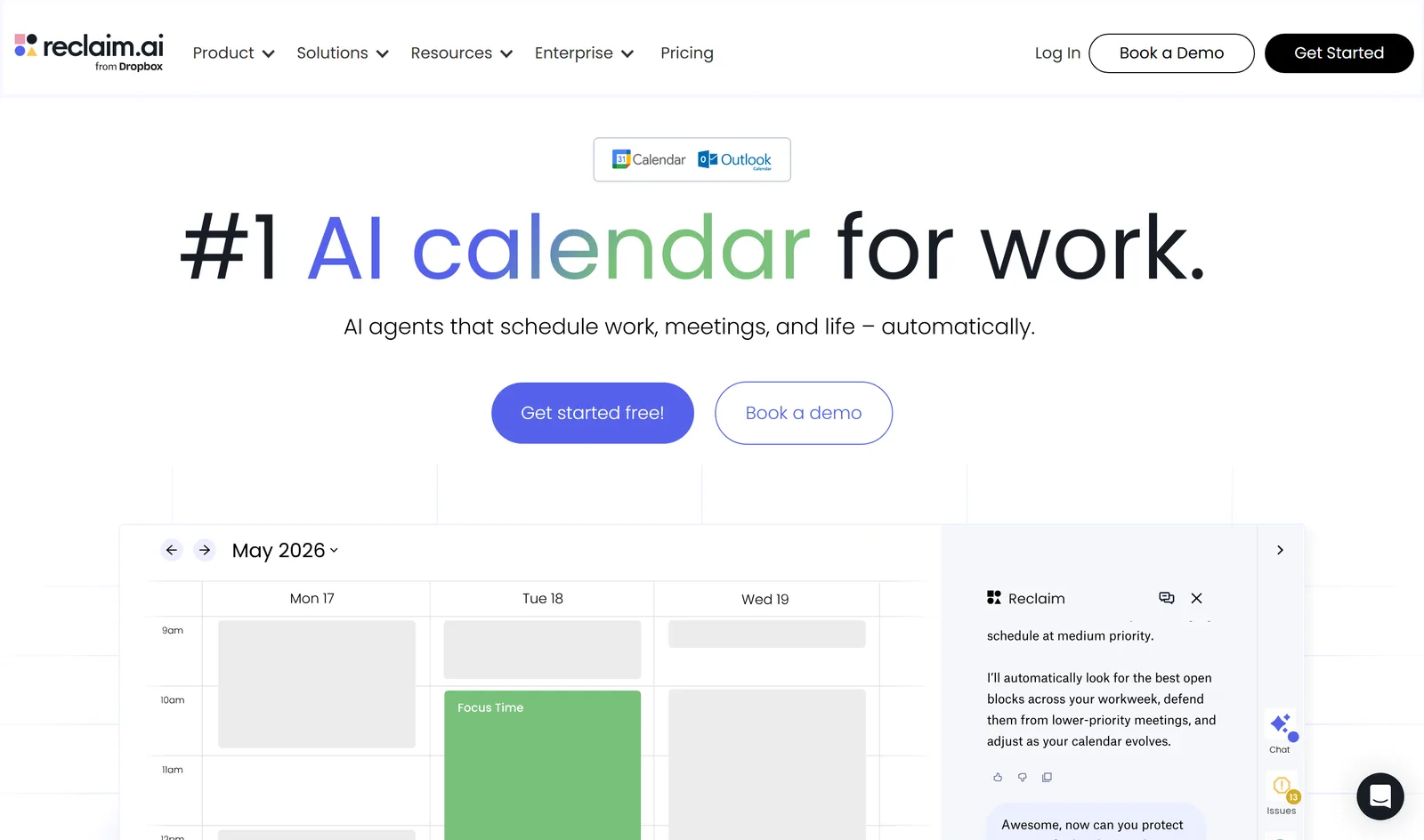
Reclaim works on your own calendar in Google or Outlook. You tell it what matters, such as eight hours of focus a week, a daily lunch, a weekly review, and the tasks due from Asana, Linear, Jira or Todoist, and it books time for each around your meetings. It defends those blocks from lower-priority meetings and adjusts them as the calendar changes.
It also does booking links and "Smart Meetings", recurring meetings that "automatically find, schedule, and maintain the best time for attendees". If you used Clockwise mainly to protect focus time, this is the closest thing to it. The free Lite plan is generous for one person; teams pay per seat.
Pros
- Focus time, habits and buffers, defended from lower-priority meetings.
- Tasks from Asana, ClickUp, Jira, Linear and Todoist placed on the calendar.
- Google and Outlook calendars.
- A free plan for one person.
Cons
- Per seat: Starter $10 caps at 10 seats, Business $15 at 100.
- The free plan plans one week ahead, with one scheduling link.
Free Lite plan; Starter $10, Business $15, Enterprise $22 per seat per month billed yearly ($12 and $18 monthly).
Checked on the tool's own site, September 27, 2026.

Motion
Tasks and meetings planned into one calendar, replanned when the day slips. usemotion.com
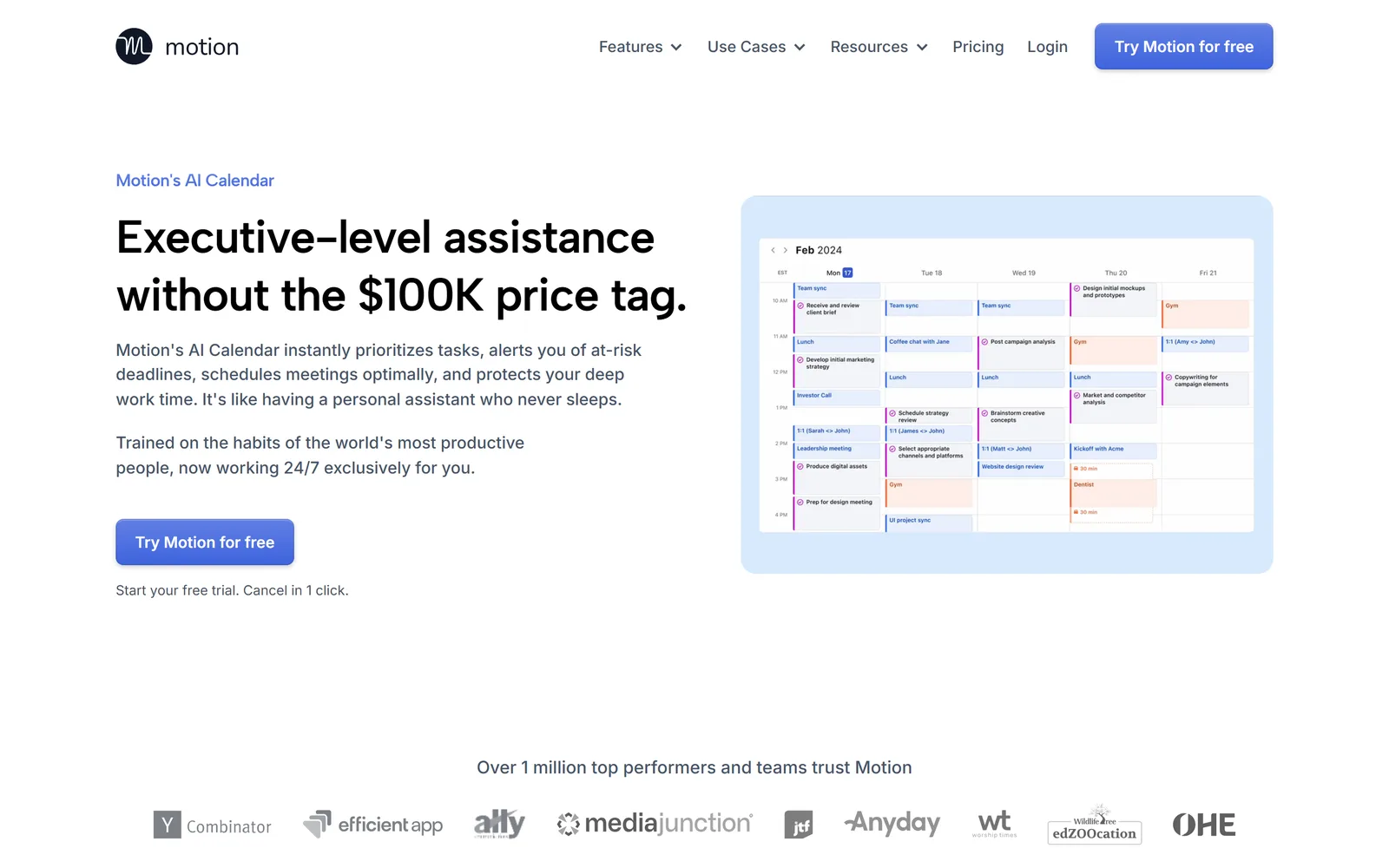
Motion's calendar takes your tasks, with their priorities, deadlines and durations, and schedules them into the gaps between meetings. When a meeting runs long, it "reshuffles your entire day (and week) in seconds" and warns you when a deadline is at risk. Booking links are included, so people outside can book the time Motion keeps free.
The calendar is one part of a larger product. Motion also runs projects, docs, notes and a meeting notetaker, and prices it all per seat. That makes sense if you move your task management into Motion and less if you only want the calendar.
Pros
- Tasks and meetings on one calendar, rebuilt when plans change.
- Warns when a deadline is at risk.
- Projects, docs and notes in the same place.
- Booking links included.
Cons
- Per seat: $19 on the team Pro AI plan, $29 on Business AI, yearly.
- Month to month costs more: $29 and $49 per seat.
- It pays off when your tasks live in Motion too.
Teams: Pro AI $19 and Business AI $29 per seat per month billed yearly; individuals from $29 a month. Free trial.
Checked on the tool's own site, September 27, 2026.

Cal.com
The open-source booking page, hosted for you or by you. cal.com
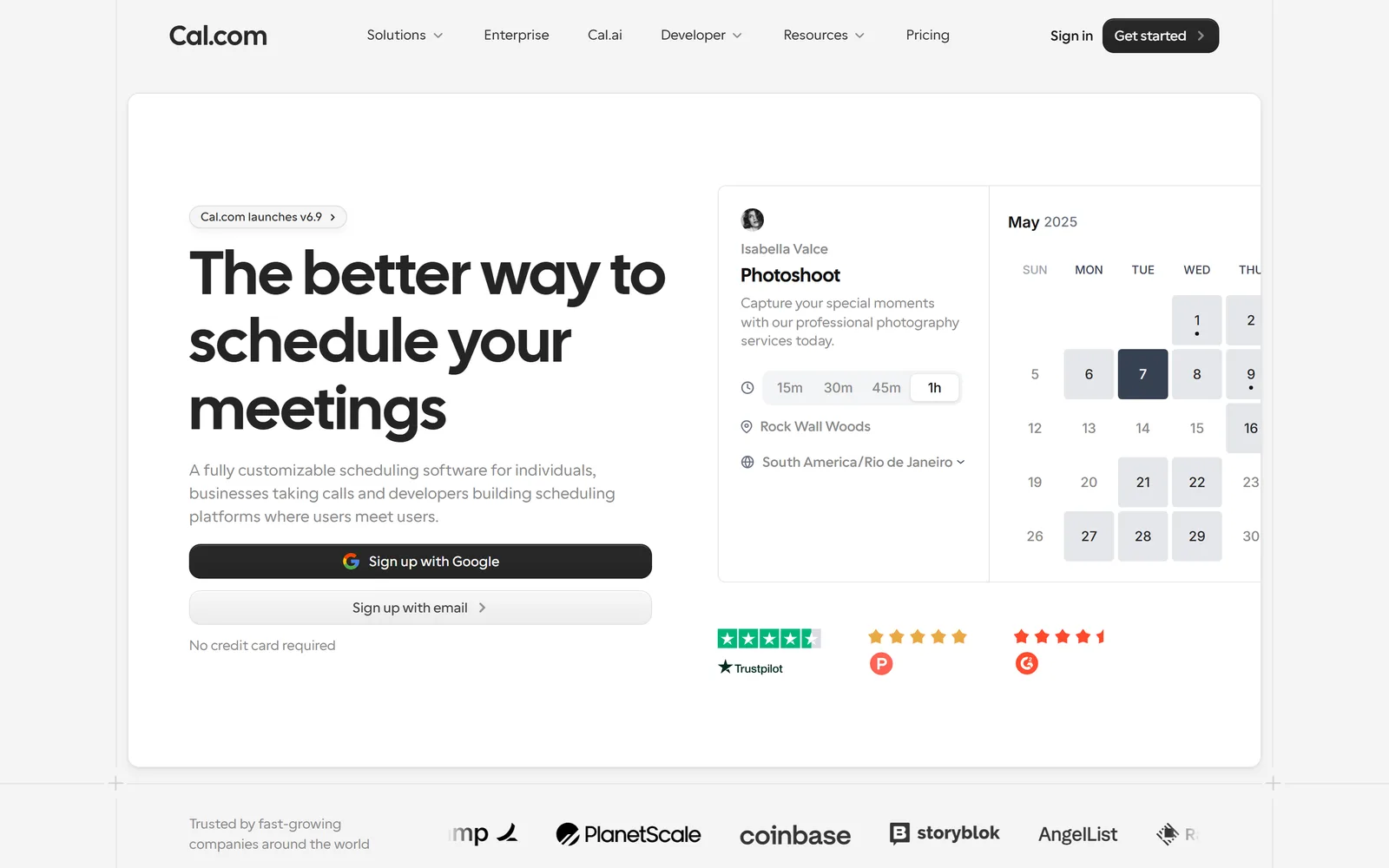
Cal.com does what Calendly does, with two differences that matter to some teams. The code is open source and you can host it yourself. And the free plan is broad: one user, but unlimited meeting types and calendars, 100+ apps, Stripe and PayPal, two-way Salesforce and HubSpot sync, and a one-click import from Calendly.
Teams adds round-robin, routing forms and shared availability; Organizations adds SSO, SCIM and compliance. For developers, it is also a scheduling platform you can build into your own product.
Pros
- Open source, with a self-hosted option.
- The most generous free plan for one person.
- Imports your Calendly setup in one click.
- APIs for building scheduling into your own product.
Cons
- Team features start at $12 per user a month, yearly.
- Hosting it yourself means running it yourself.
Free for one user; Teams $12 and Organizations $28 per user per month billed yearly; Enterprise custom.
Checked on the tool's own site, September 27, 2026.

SavvyCal
The scheduling link that is kindest to the person receiving it. savvycal.com
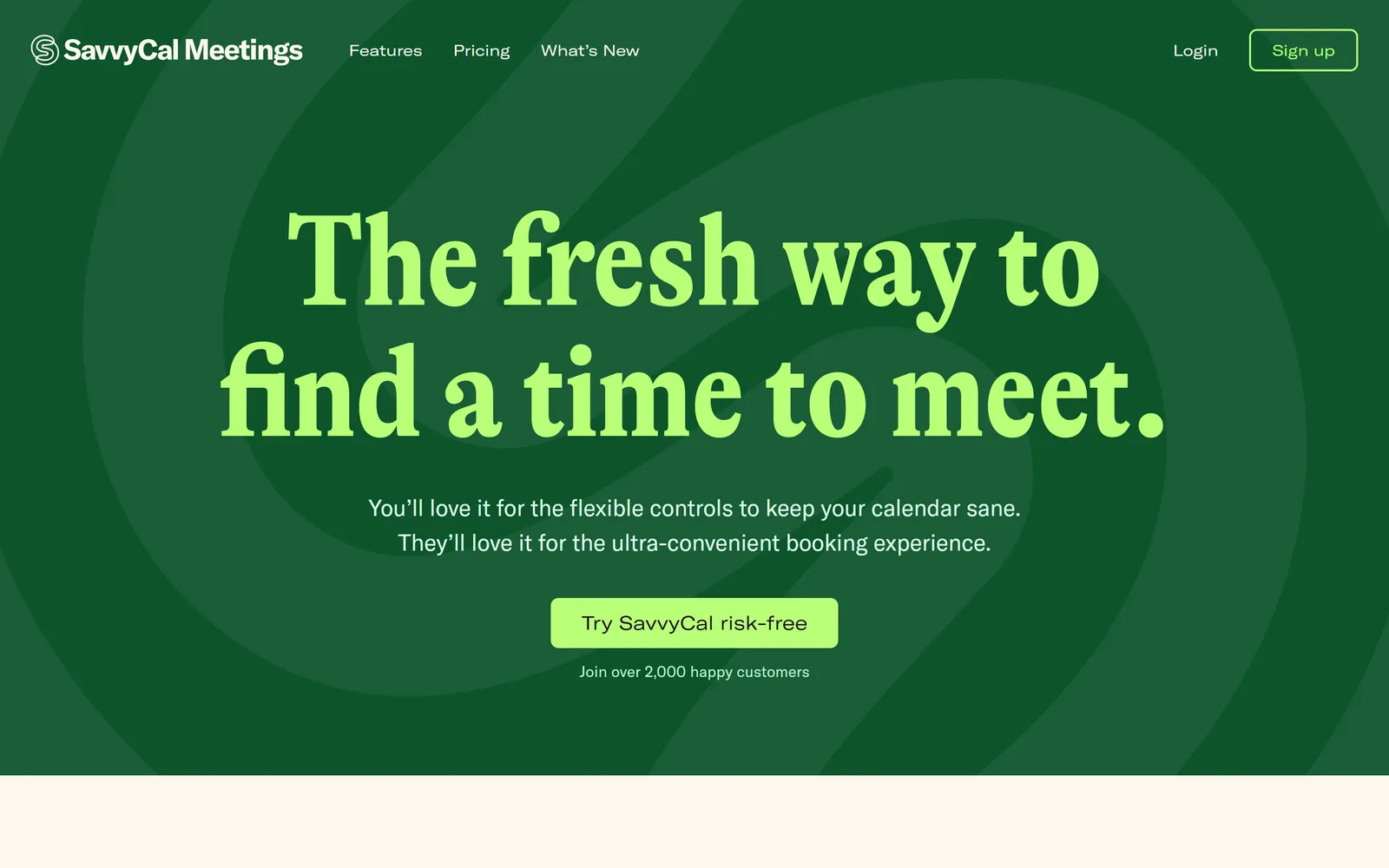
SavvyCal starts from the person who gets your link. They can lay their own calendar over your availability and pick a slot that suits both, in a week view rather than a day-then-time picker. On your side, you rank the slots you prefer, cap meetings per day or week, and block time that links must respect.
It covers team scheduling too, with collective, round robin and group modes, plus meeting polls. There is no free plan: you can set it up for free and pay when you activate, with a 30-day money-back guarantee.
Pros
- The best experience for the person booking.
- Ranked availability and limits per day or week.
- Meeting polls and team modes on every plan.
Cons
- No free plan.
- Per user: $10 on Basic, $17 on Premium, yearly ($12 and $20 monthly).
Basic $10 and Premium $17 per user per month billed yearly; 30-day money-back guarantee.
Checked on the tool's own site, September 27, 2026.

Cedric
The AI teammate who finds the slot for the whole team, and books it on your yes. meet-cedric.com
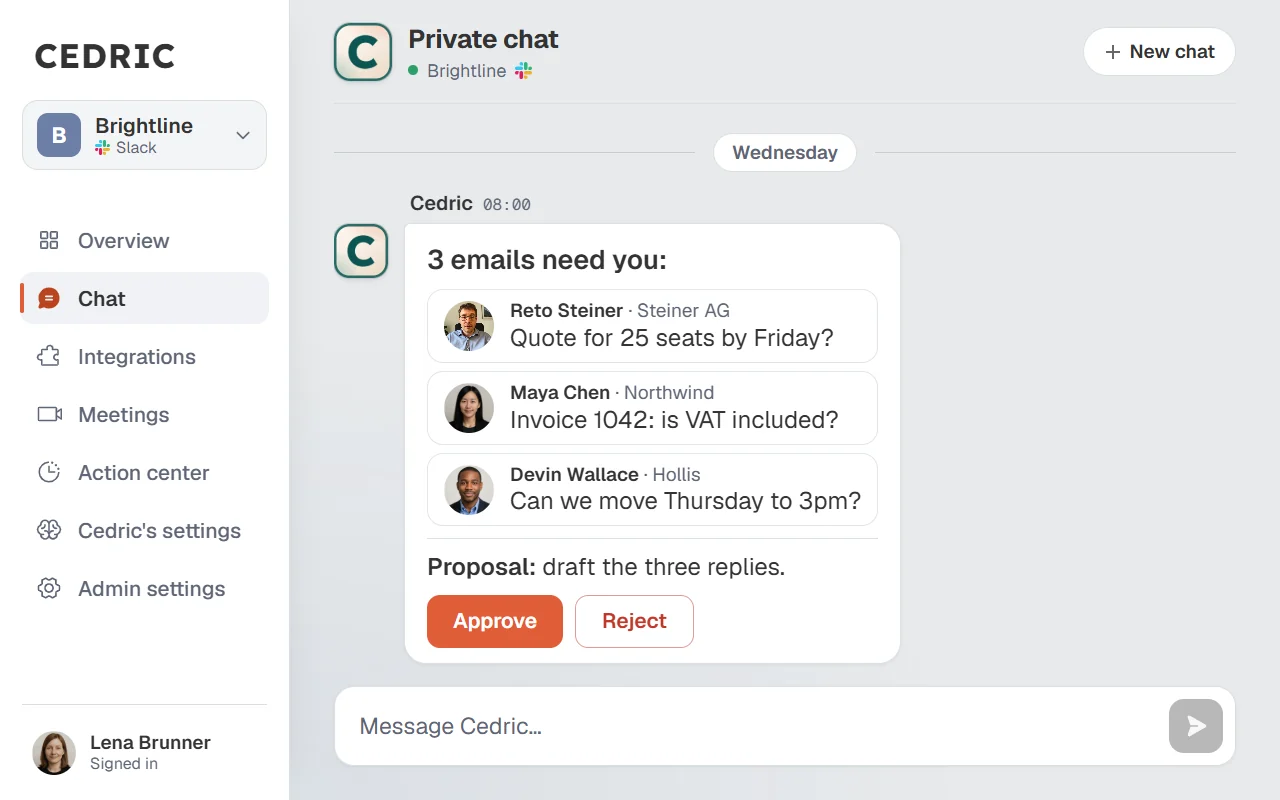
Cedric is an AI teammate in Slack, Discord or Telegram, and scheduling is one of the jobs he takes from the thread where the meeting was decided. Connect Google Calendar and he reads availability across the connected calendars, proposes the slots that work for everyone, and creates, moves or cancels events and sends invites. Each of those waits for your yes.
The harder cases are the ones a link cannot handle. "Collect availability from the five interviewers, then book the loop" becomes a workflow that waits: he asks each person, nudges the quiet ones, and books when the last reply lands. Ask "what should I do today?" and he plans your day from the calendar, the mail and the channels.
If people outside book you through Calendly, keep it: Cedric connects to Calendly, lists who booked and what they answered, and makes a single-use link for the next person. A workspace starts with 100,000 free credits, no card, and plans start at $19 a month for the whole team, no seats.
Pros
- Scheduling by asking, in the team's own chat.
- Reads everyone's connected calendar, so proposals are real.
- Waits on replies and nudges for multi-person bookings.
- One price for the whole team, and his other work comes with it.
100,000 free credits to start; plans from $19 a month for the whole team, no seats.
What the ask looks like
Three calendars, one sentence.

Lucia Moreau9:14 AM
@Cedric find an hour for me, Tomás and Nadia next week for the pricing review. Mornings if possible.
CedricAPP9:15 AM
Two mornings are free for all three: Tuesday 9:30 and Thursday 10:00. Thursday leaves Nadia's Tuesday clear before her board prep, so I would take it. The event is drafted: Pricing review, one hour, the three of you invited.
Side by side
The six, on the questions that decide it.
| Calendly | Reclaim | Motion | Cal.com | SavvyCal | Cedric | |
|---|---|---|---|---|---|---|
| What it schedules | Others booking you | Your own week | Your tasks and meetings | Others booking you | Others booking you | The team's meetings |
| How you use it | Share a link | Set priorities once | Add tasks with deadlines | Share a link | Share a link | Ask in the chat |
| Moves things when plans change | No | Focus time, habits, meetings | The whole day | No | No | On your yes |
| Free plan | One meeting type | Lite, one user | Free trial | One user | No, 30-day refund | 100,000 credits |
| Paid from, a month | $10 per seat | $10 per seat | $19 per seat | $12 per user | $10 per user | $19 for the team |
| Team of five, entry plan | $50 | $50 | $95 | $60 | $50 | $19 |
Read on each tool's own site on September 27, 2026. Per-seat prices are yearly billing; the team-of-five line is that price times five.
How to choose
If strangers book time with you, you need a booking link, and the choice is about taste. Calendly if you want the one people know. Cal.com if you want open source, a free plan that does a lot, or to host it yourself. SavvyCal if the experience of the person booking is what you care about most.
If your problem is your own week, meetings eating the time you meant to work, pick Reclaim, and pick it first if you are leaving Clockwise. If your tasks and deadlines should drive the calendar, and you are happy to run them in one app, pick Motion.
If your problem is the team, four people and one free hour, the interview loop that needs five replies, the meeting that has to move, that is Cedric. And since he connects to Calendly, the link can stay where it is.
What still needs a person
Deciding which meeting loses. When every option collides with something, Cedric says so and shows the least painful conflicts; picking one is your call, and making the swap once you have decided is one sentence.
He also only sees what you connect. An appointment on a personal calendar you have not connected is invisible to him.
FAQ
Its own site says the Clockwise team is joining Salesforce and the product stopped being available on March 27, 2026. Reclaim is the closest match for its focus-time features; for scheduling across a team, Cedric does it by asking.
For being booked, Cal.com's free plan does the most for one person, and Calendly's covers one meeting type. For your own week, Reclaim's Lite plan is free. Cedric starts with 100,000 free credits, no card.
Cedric can. Mention him with who, how long and roughly when; he reads the connected calendars, proposes the slots that work, and books the one you approve.
Yes. He lists who booked and their answers to your booking questions, creates single-use links, and cancels a meeting on your yes. Your availability itself stays set in Calendly.
Yes. Say what changed and he proposes the move, then moves the event once you approve.
Free credits available, no card, no seats.