n8n alternatives, sorted by why you are leaving.
Six tools, each checked on its own site on 28 September 2026. Then Cedric, for the work you would rather not build.
- If nobody on the team writes code, Zapier and Make are the gentler builders.
- If n8n's license does not fit your use, Activepieces self-hosts too, and every one of its pieces is MIT-licensed.
- If the company runs on Microsoft 365, Power Automate works inside Excel and OneDrive, from $15 per user a month.
- If IT has to govern automation across a large company, look at Workato. Its prices come through sales.
- If you want agents instead of flowcharts, Gumloop builds one from a plain description.
- If the work changes every run, ask Cedric in Slack. He works out the steps and asks before anything goes out.
What n8n does well, and why people still look
n8n is good software. You build on a canvas of nodes, and any node can run JavaScript or Python when the built-in steps fall short. It ships with over 500 integrations and reaches anything else with an API. It runs on n8n Cloud, hosted in Frankfurt, or on your own servers with Docker, air-gapped if the security team asks. And it bills by execution, one per workflow run, however many steps the run takes.
People who go looking anyway tend to have one of five reasons. n8n says it is for technical teams, and it expects someone technical to own it. Self-hosting is free, but n8n's own docs say you set it up and manage the servers yourself. The Sustainable Use License covers internal business use and does not let you host n8n for clients who build their own workflows. Zapier lists 9,000+ apps to n8n's 500+. And when the business changes how it works, someone has to open each workflow and redraw it.
The table below sorts the alternatives by why you are leaving. For the meters side by side, see n8n vs Zapier. n8n vs Make puts the two canvases next to each other, and Gumloop vs n8n and Relevance AI vs n8n cover the agent builders. If you came here from Relay.app, which closed in September, start with the Relay.app migration guide.
Why you are leaving, and where to look
| If you are leaving n8n because | Look at | Where Cedric fits |
|---|---|---|
| Nobody on the team writes code | Zapier or Make | Nothing to build. You ask in chat |
| The license does not fit your use | Activepieces | An open-source tool fits this better |
| The company runs on Microsoft 365 | Power Automate | One price for the team, no per-user fee |
| IT governs hundreds of flows | Workato | Takes the team's daily asks beside it |
| You want agents, not flowcharts | Gumloop | No agent to design. He plans each request |
| The work changes every run | Any builder, and a new branch each time | Ask in Slack each time it comes up |
Checked on each tool's own site on 28 September 2026. Prices are on the cards below.

Zapier
The longest app list, and no code anywhere. zapier.com
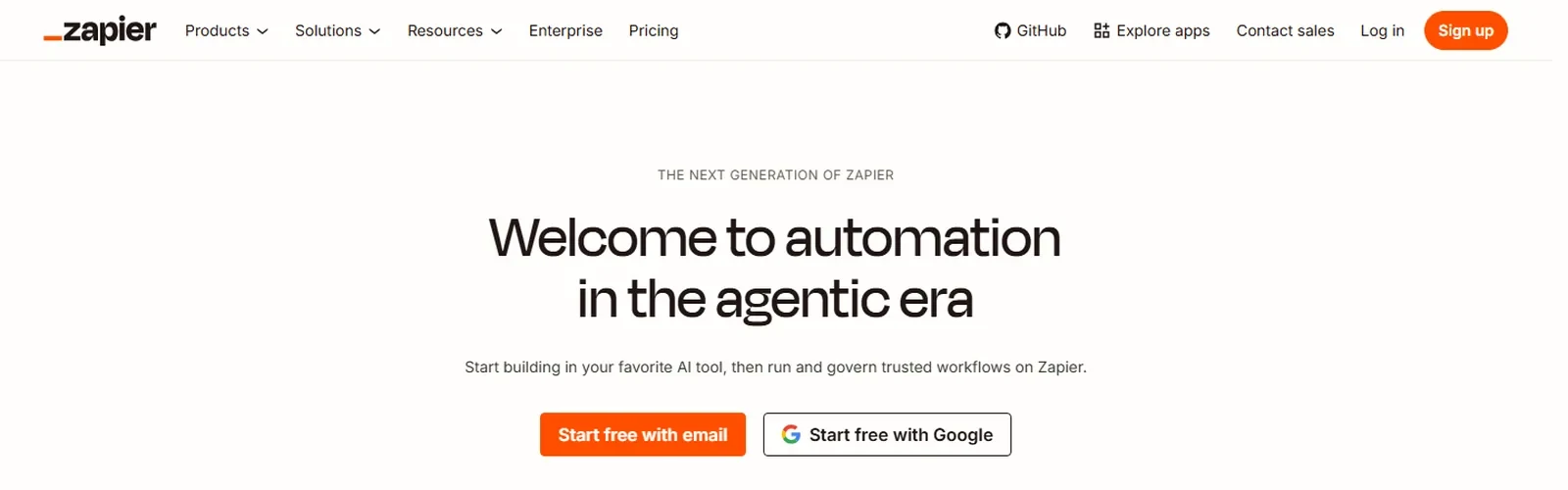
For a team with no developer, Zapier is the easiest first step on this page. A Zap is a trigger and the actions after it, with filters and paths for the branches. The homepage counts 9,000+ apps.
Watch the meter. Tasks come from one pool per account, and every step in a Zap draws from it, at a rate that depends on the AI model, the code runtime and the connector. The free plan holds 100 tasks a month and two-step Zaps, and new accounts get 14 days of Professional without a card.
Pros
- 9,000+ apps, the most on this page.
- No code at any point.
- A free plan with no end date.
- Tables and Forms included on every plan.
Cons
- Every step in a Zap uses tasks, so long Zaps cost more.
- No self-hosted edition.
- Shared Zaps and SSO start on Team, from $69 a month.
Free, 100 tasks a month. Professional from $19.99 a month billed yearly, $29.99 monthly. Team from $69 billed yearly.
Checked on the tool's own site, 28 September 2026.

Make
A visual canvas for scenarios, priced by credits. make.com/en
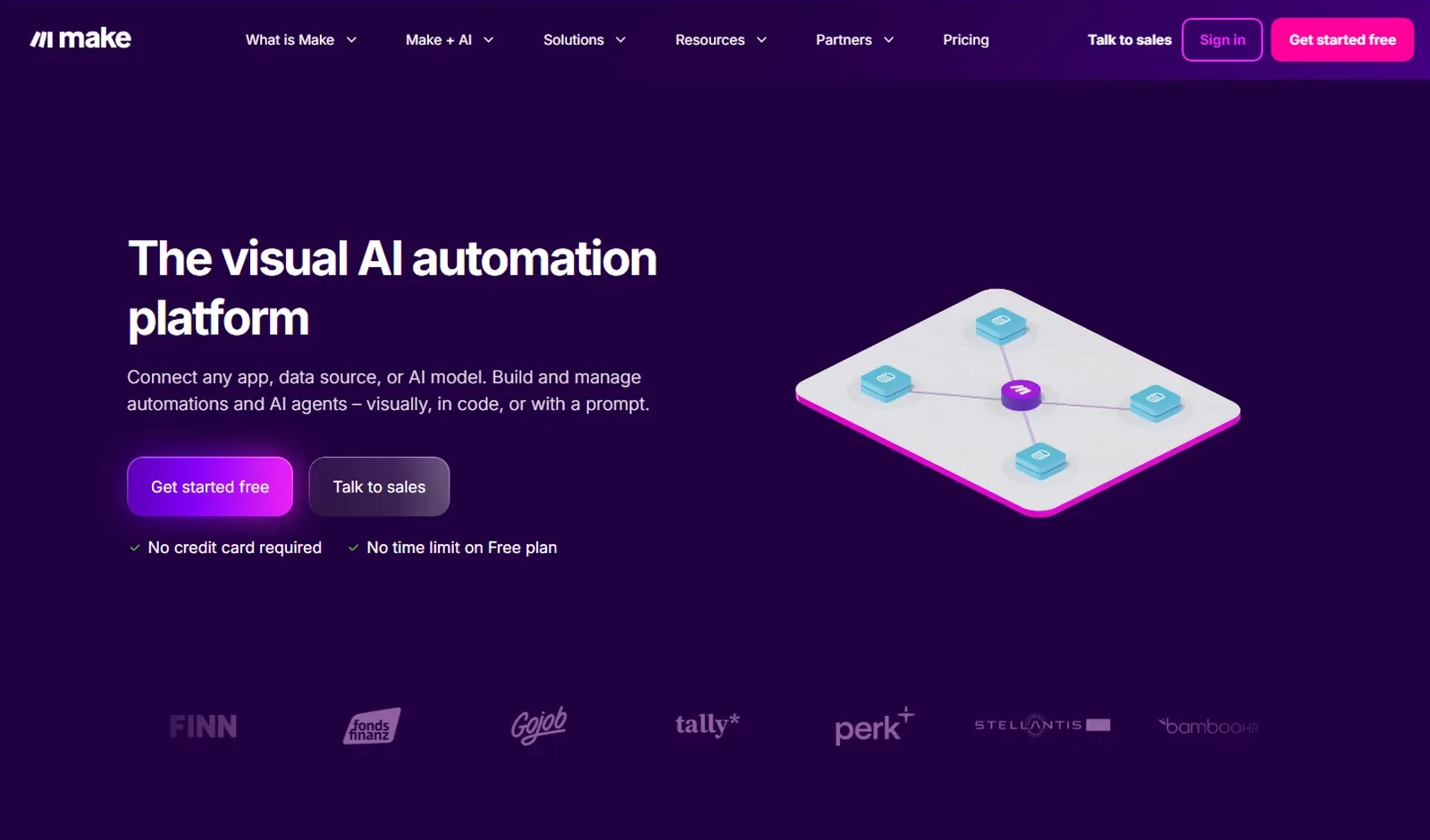
Make calls itself "the visual AI automation platform". You lay a scenario out module by module on a canvas, with routers and filters for the branches, and you can see the whole thing at once. Make says you can build "visually, in code, or with a prompt", counts 3,000+ pre-built apps, and says over 400,000 organizations use it.
Each module action costs one credit, and reading a record counts. The free plan gives 1,000 credits a month and runs a scenario at most every 15 minutes, with no time limit. Core is $9 a month billed annually for 10,000 credits.
Pros
- The whole scenario on one screen, branches included.
- Core is $9 a month billed annually.
- Build by drag and drop, in code, or from a prompt.
- A free plan with no time limit.
Cons
- Every module action spends a credit, reads included.
- Free scenarios run at most every 15 minutes.
- Monthly billing costs more than the prices shown first.
Free, 1,000 credits a month. Core $9, Pro $16, Teams $29 a month for 10,000 credits, billed annually.
Checked on the tool's own site, 28 September 2026.

Activepieces
Open-source automation you can run on your own servers. activepieces.com
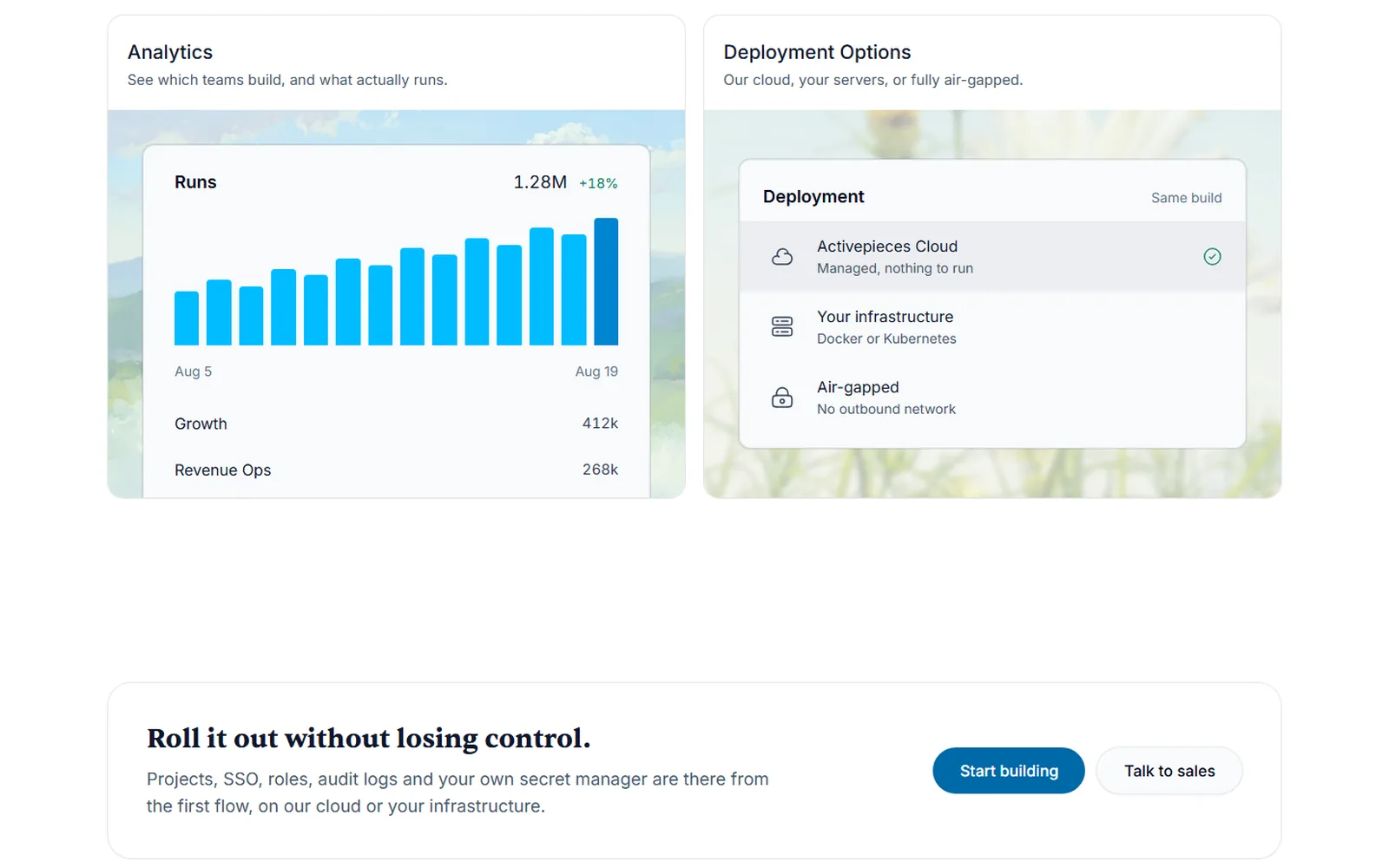
Of the six, Activepieces is closest to n8n's own pitch. Use its cloud, run it on your servers with Docker or Kubernetes, or go fully air-gapped. It lists 760+ pieces, its word for integrations, and says "every piece is MIT-licensed". The code on GitHub is MIT as well, apart from the enterprise folders, which have their own license.
Chat drafts most flows, the builder is there when a flow gets hard, and a flow can stop and wait for a person's approval. The free plan gives 100 credits a day and unlimited flows. Plus is $20 a month for 10,000 credits and up to five users.
Pros
- Cloud, your own servers, or air-gapped.
- 760+ pieces, every one MIT-licensed.
- Unlimited flows, even on the free plan.
- Flat monthly prices instead of seats.
Cons
- Fewer apps than Zapier or Make.
- SSO starts on Team, at $200 a month.
- Free credits come 100 a day and do not carry over.
Free, 100 credits a day. Plus $20 a month for 10,000 credits, Team $200 for 50,000, Ultimate custom. Paying yearly saves two months.
Checked on the tool's own site, 28 September 2026.

Power Automate
Microsoft's automation, for companies on Microsoft 365. microsoft.com/en-us/power-platform/products/power-automate
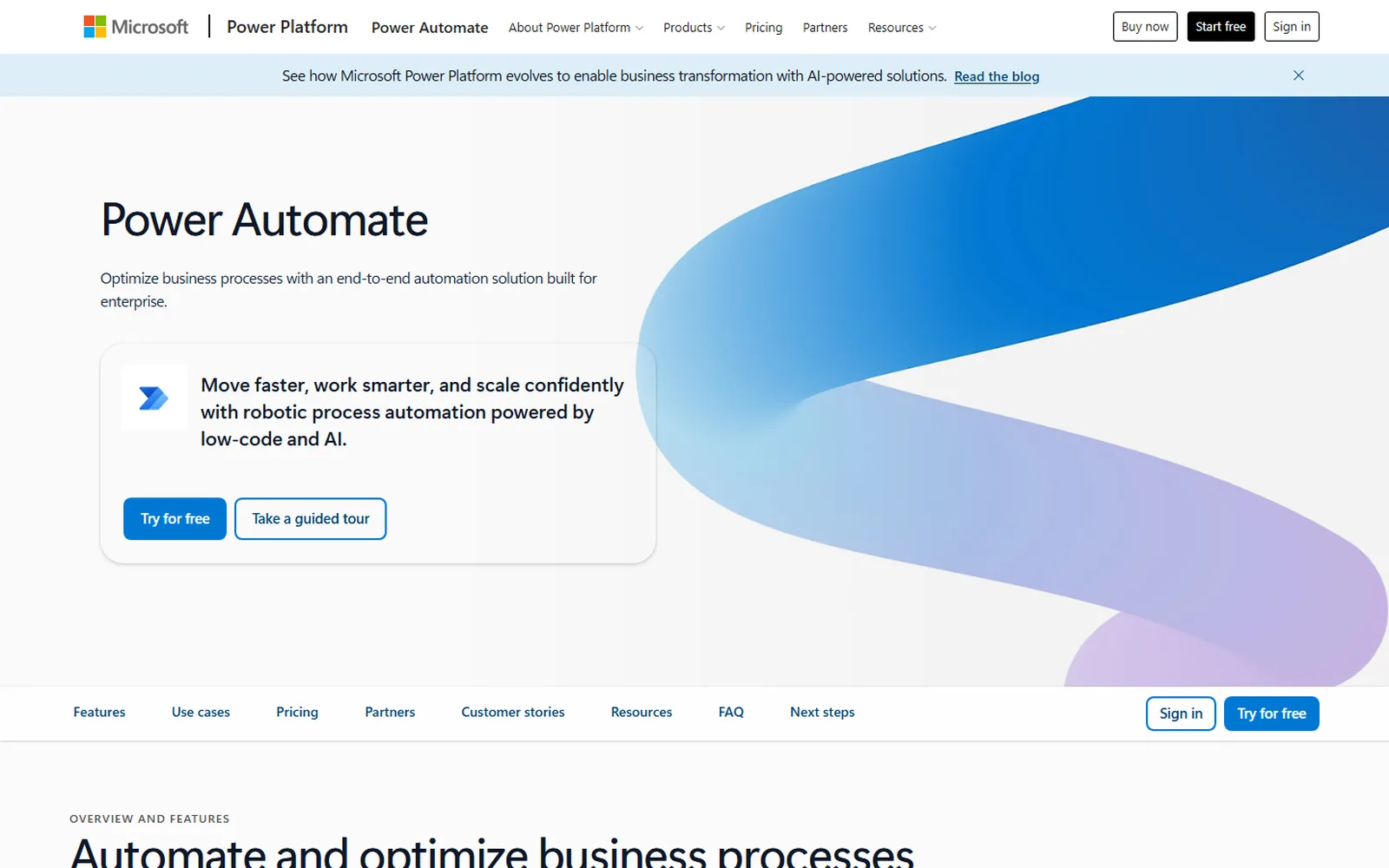
If everyone at your company signs in with a Microsoft account, start here. Microsoft calls Power Automate "an end-to-end automation solution built for enterprise". Cloud flows move data between apps and services. Desktop flows work older systems through their screens, with a person at the keyboard or unattended.
Microsoft's FAQ counts more than 1,400 prebuilt, certified connectors, and Copilot can draft or edit a flow from a plain description. Power Automate is a cloud service. It reaches systems in your own building through Microsoft's on-premises data gateway.
Pros
- Works inside Excel and OneDrive.
- 1,400+ prebuilt, certified connectors.
- Desktop flows for older systems, through their screens.
- A 30-day free trial.
Cons
- Priced per user, $15 a month paid yearly.
- An unattended bot costs $150 a month.
- Cloud only, with a gateway for on-premises systems.
Free 30-day trial. Premium $15 per user a month, Process $150 per bot a month, both paid yearly.
Checked on the tool's own site, 28 September 2026.

Workato
Integration and automation that IT governs for the whole company. workato.com
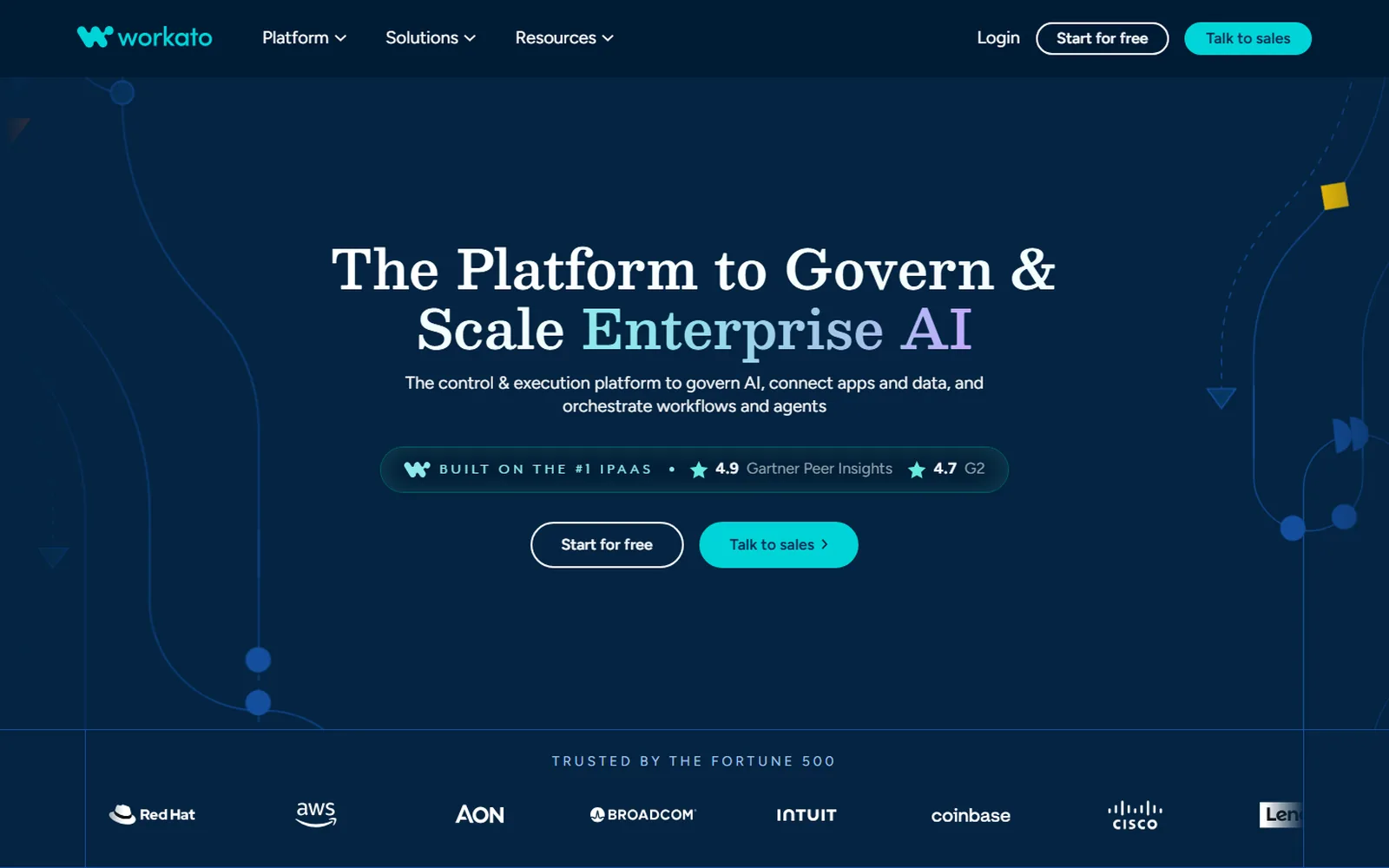
Workato sells to large companies and says so in its headline, "The Platform to Govern & Scale Enterprise AI". The pitch is central control. Identity, policy, approvals, security and cost controls sit in one place, over every workflow and agent any team builds. The homepage says it connects to 17,000+ apps, APIs, databases, files and MCP servers, and the pricing page counts 1,200+ pre-built connectors.
There are no prices on the pricing page. It lists four editions, Standard, Business MCP, Enterprise MCP and Workato ONE, and asks you to schedule a demo. The page promises unlimited workspaces and users, and even Standard has separate dev, test and production environments.
Pros
- One place for IT to govern every team's automations.
- Dev, test and production environments from Standard.
- Unlimited workspaces and users.
- Agents and workflows on the same platform.
Cons
- No public price.
- Sized for large companies, more than a small team needs.
Priced through sales. Four editions, from Standard to Workato ONE, with a demo to start.
Checked on the tool's own site, 28 September 2026.

Gumloop
An agent builder that anyone at the company can use. gumloop.com
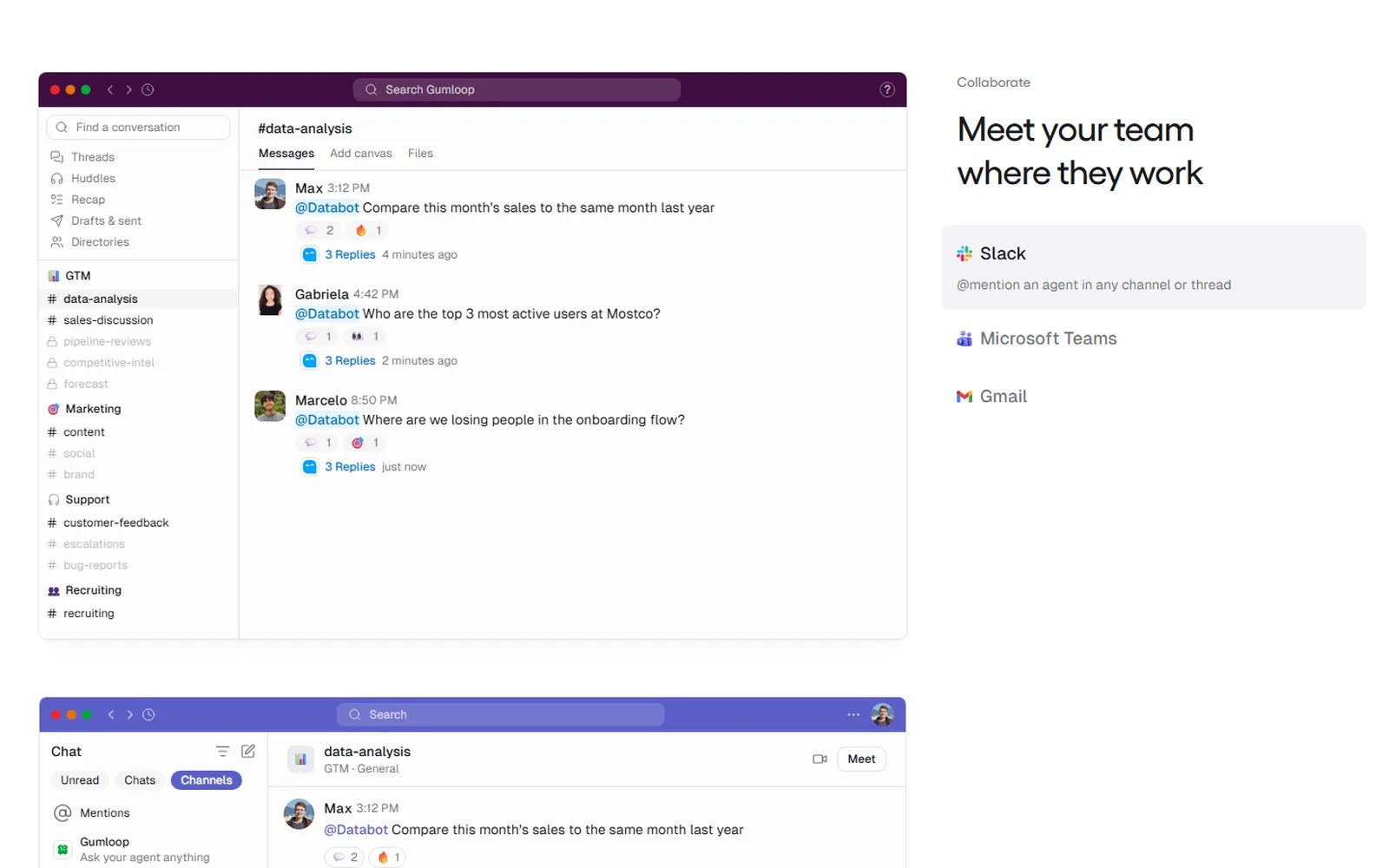
Gumloop calls itself "the multiplayer AI agent builder". Anyone at the company can build an agent, and IT decides what each one can reach. A new agent starts from one question, what it should take care of. Gumloop then connects the apps, writes the instructions and offers a trigger. In Slack you @mention an agent in any channel or thread.
Pro starts at $37 a month with 20,000 credits, unlimited seats and a 14-day trial. The older Workflows builder now carries a "Legacy" label on the pricing page.
Pros
- Agents built from a plain description.
- Unlimited seats on Pro.
- An @mention away in Slack.
- 300+ connectors.
Cons
- Runs carry an 8% orchestration fee on Pro.
- One paid plan below Enterprise.
- Private cloud deployment is an Enterprise option.
Pro from $37 a month with 20,000 credits and a 14-day trial. Enterprise custom.
Checked on the tool's own site, 28 September 2026.

Cedric
The teammate you ask, in the chat your team already uses. meet-cedric.com
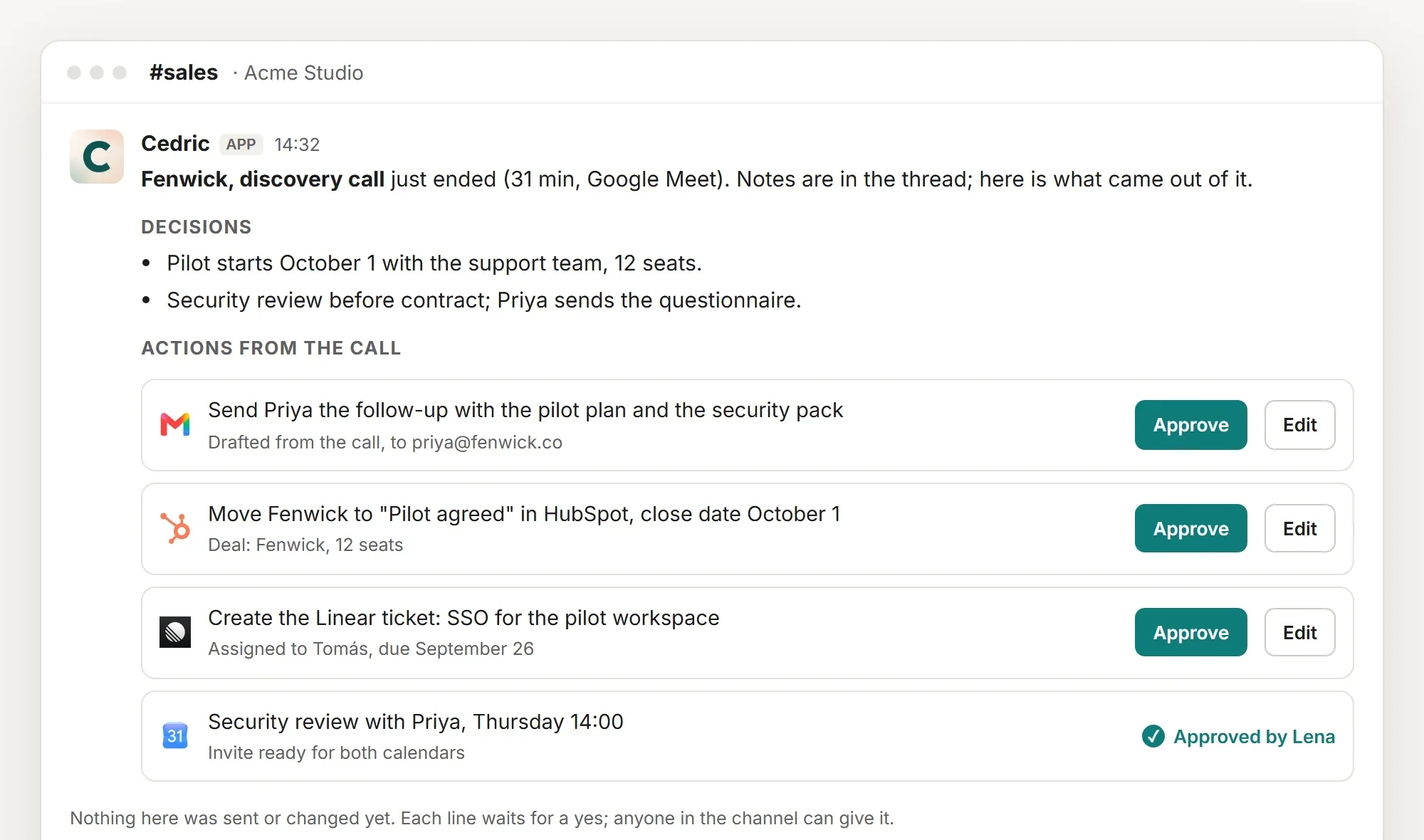
There is no canvas. You write to Cedric in Slack, Discord, Telegram or the browser, and he works out the steps from the tools you connected. He reads each case as it comes, so the lead who writes three paragraphs gets read and the odd invoice gets flagged.
Some jobs should run the same way every time. Say "every Monday at 9" once and the job repeats each week. Any tool that can send a webhook can start one.
Anything that sends, changes or spends waits for a person's yes. There are no seats, and one Cedric works for the whole workspace.
Pros
- Nothing to build or keep up to date.
- Asks before he sends, changes or spends anything.
- No seats. The whole team shares one Cedric.
- 3,200+ apps to connect, n8n among them.
100,000 free credits to start, no card. Plans from $19 a month for the whole team.
One worked job
The lead form, set up in one message

Hannah Berg9:14 AM
@Cedric every lead from the website form goes in the Leads sheet. Skip repeats and tell #sales.
CedricAPP9:15 AM
Here is the plan. Paste this address into the form's webhook settings. Each new lead becomes a row in Leads, a repeat email gets skipped, and I post one line here.
In n8n
A webhook node, a Sheets lookup, an IF node for repeats, a Sheets write and a Slack node. Solid once built, and someone owns it from then on.
In Cedric
One sentence and an address to paste. To change the rule, Hannah says so in #sales.
A lead with a long email
He reads it, says who is writing and why, and drafts a reply that waits for a yes.
Within minutes it was reading our tracker, adding leads exactly where they belong and cleaning up errors we hadn't even noticed. Every update tells us what changed and what's still missing.
Deskimo runs this job. Their website forms feed Cedric, and he files each lead in their tracker. Read how Deskimo keeps its lead tracker clean.
Moving off n8n, or not
- 01
List what actually ran
Open the Executions tab on n8n's Overview page and filter by workflow. A few workflows usually did nearly all the runs. Those are the ones worth moving.
Download each keeper as JSON from the workflow's menu first. It records every node and setting.
- 02
Sort fixed steps from judgment calls
A fixed workflow does the same steps in the same order every time. A judgment call is the workflow full of IF nodes and AI steps, guessing what a person would decide.
- 03
Rebuild the fixed ones where they fit
Pick the tool from the table above and rebuild the keepers there, with the JSON open beside you.
- 04
Hand the judgment calls to Cedric
Describe the outcome in one message in Slack. He plans the steps each time and asks before anything goes out. Qualify a lead shows one of those jobs.
- 05
Or keep n8n, and connect it to Cedric
Give Cedric an API key from your own n8n instance. He can list your workflows, switch them on or off and tell you how each run went. Creating or changing a workflow waits for a yes.
When staying on n8n is the right call
Your engineers own the automations. They get code in any node, each step's input and output beside its settings, and single steps they can re-run.
The data cannot leave your network. n8n runs fully air-gapped, and of the six tools above, only Activepieces says the same on its own site.
The same flow runs thousands of times a day. n8n charges one execution per run, whatever the step count, so a long, busy flow stays cheap.
You can also keep both. Leave the plumbing in n8n and hand Cedric the requests around it.
FAQ
It depends on why you are leaving. If nobody codes, Zapier or Make. If the license does not fit, Activepieces. On Microsoft 365, Power Automate. The table above covers all six reasons in one line each.
Activepieces. Its Community edition is free to self-host, and every piece is MIT-licensed. If n8n's own license fits your use, its Community edition is free to self-host too, with almost the full feature set.
For a first automation, Zapier. A two-step Zap on the free plan needs no code. If you would rather not build anything, ask Cedric in Slack and he works out the steps.
Zapier has more apps and asks less of you. Make shows the whole scenario on one canvas, and its entry plan buys more actions per dollar. Make vs Zapier goes through both on their own numbers.
Five of them are. Make, Activepieces, Power Automate, Workato and Gumloop all replace Zapier too, and n8n does if someone on the team writes code. For Cedric against Zapier head to head, see Cedric vs Zapier.
Yes. Connect n8n with an API key from your own instance, and Cedric lists your workflows, switches them on or off, and tells you how each run went. Creating or changing a workflow waits for a person's yes.
Skip the canvas for the work that changes.
Connect your tools once, then ask for the job in Slack.
100K credits ($50) through Slack, Teams, Discord, Telegram or WhatsApp, 50K ($25) with Google. No card needed.